Tech Economy Dashboard
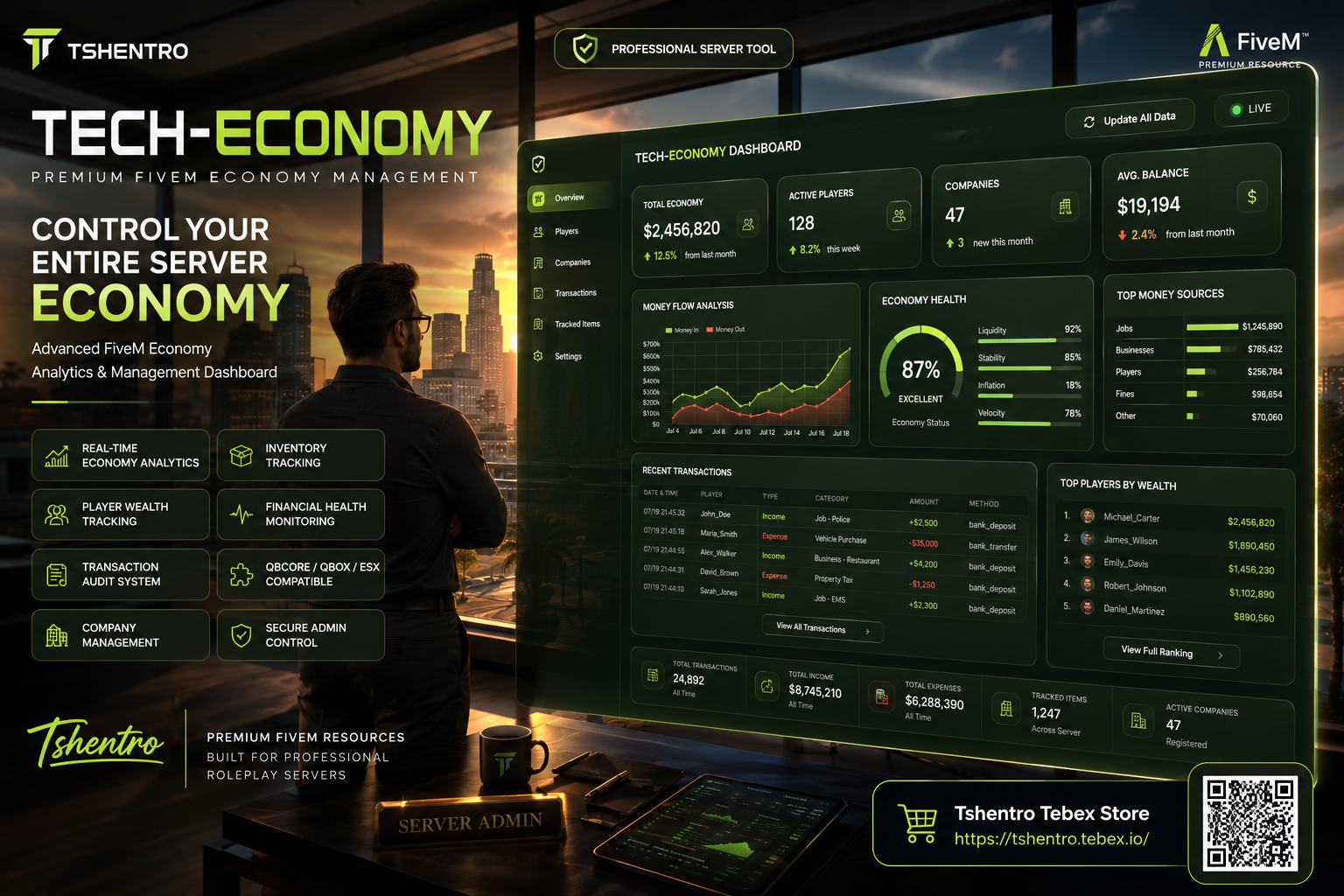
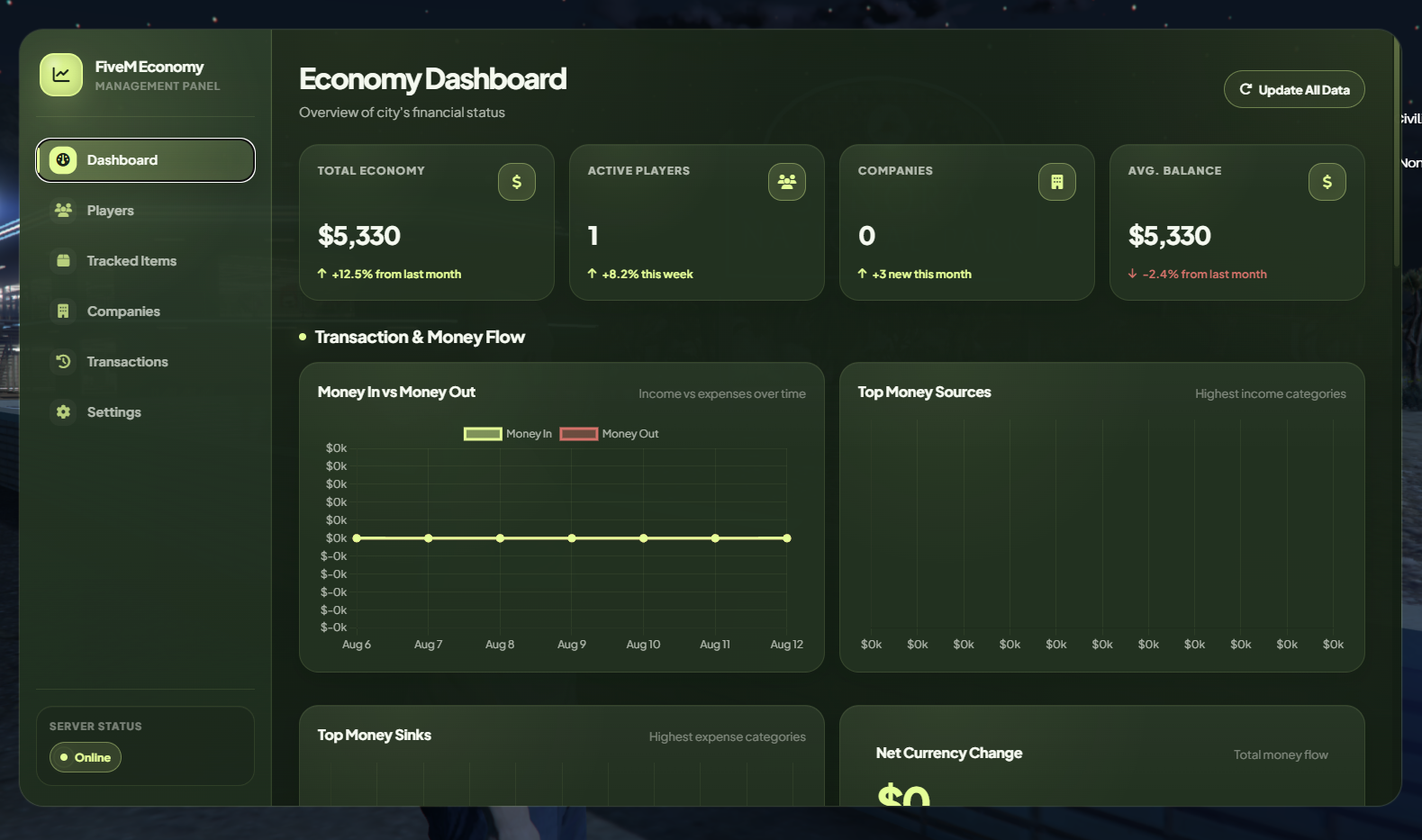
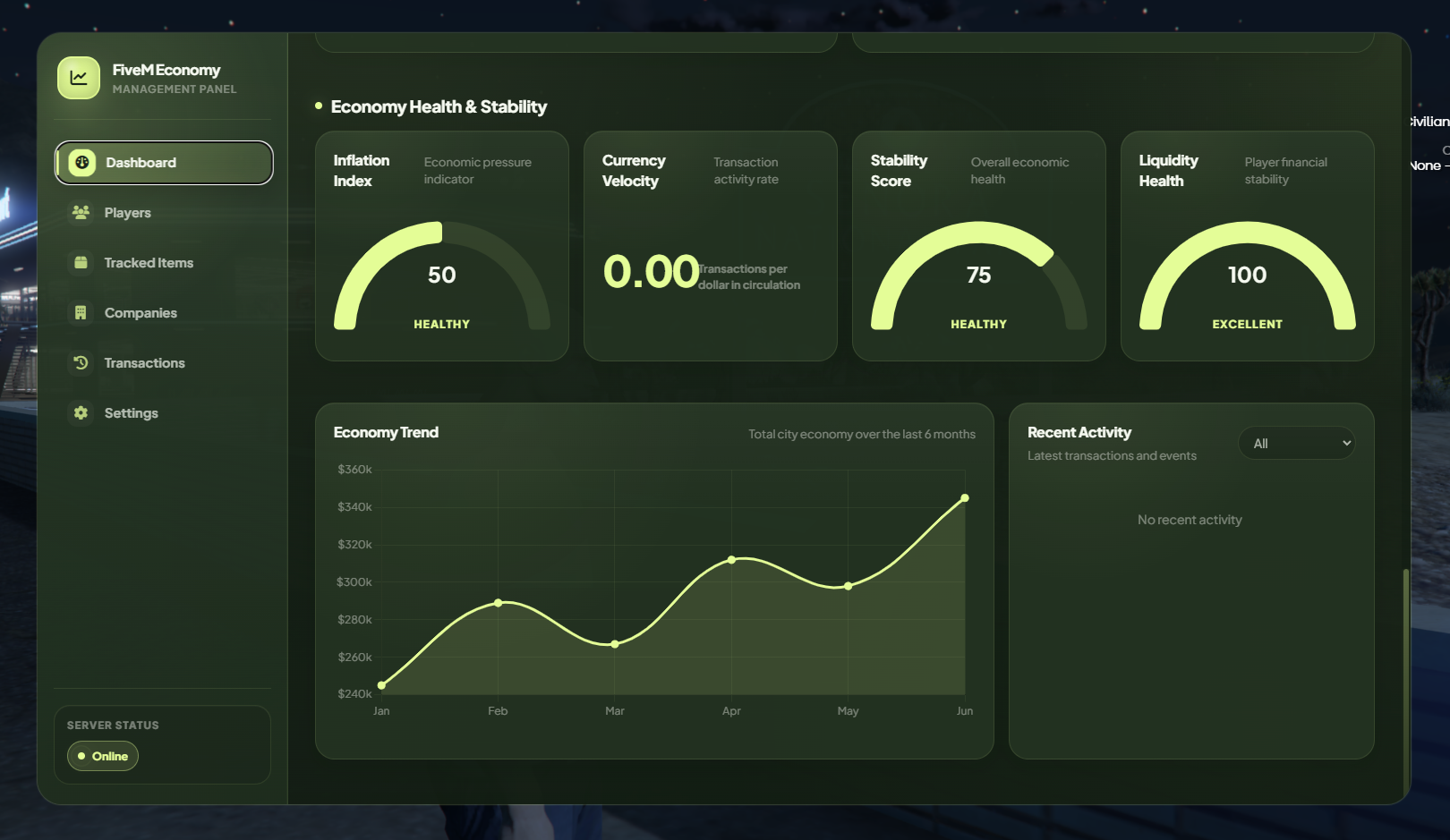
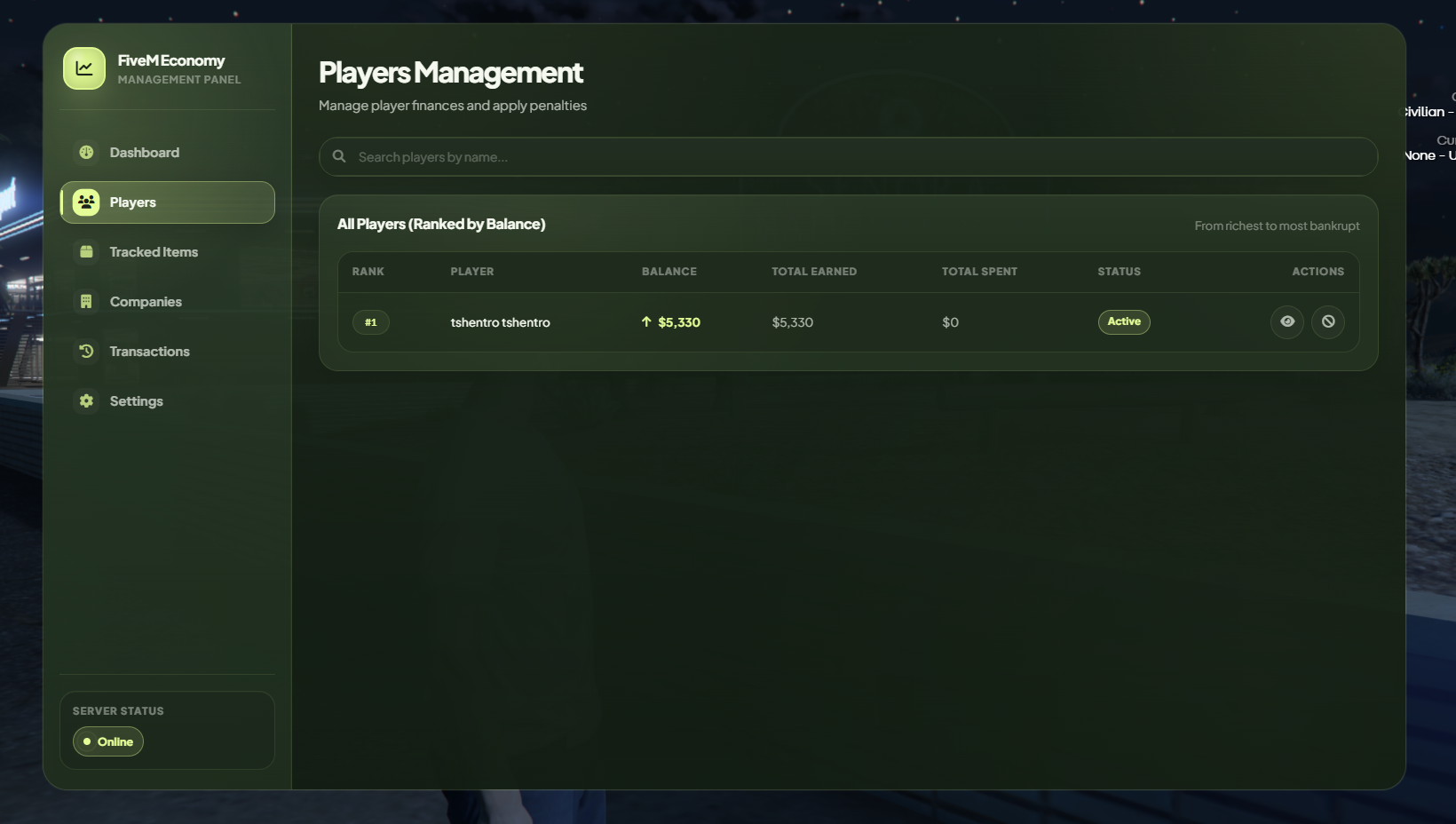
Tech Economy Dashboard gives your staff a clear view of your server’s money flow. Open one admin panel to review player balances, transaction history, company accounts, economy health metrics, and the circulation of important items — then take action when something looks off.
Built for roleplay servers that want better economy oversight without digging through the database by hand.
Features
- Admin dashboard opened with
/economy - Player finance overview with cash, bank, and total spent
- Economy analytics with Chart.js graphs and health metrics
- Transaction history with category, origin, and method tracking
- Online and offline financial penalties (cash first, then bank)
- Company management with add, edit, and delete tools
- Optional company account support for boss menu integrations
- ox_inventory item tracking with circulation totals and top holders
- Admin tools to edit or remove tracked item quantities
- Server-side caching for players, companies, transactions, and tracked items
- Developer exports for recording transactions and tracking spending from other scripts
- Configurable framework settings, admin groups, currency symbol, cache timings, and tracked item list
Why Choose Tech Economy Dashboard?
If your economy is growing, guessing is not enough. This dashboard helps server owners and admins see where money sits, how it moves, which companies are active, and who is holding high-value items — all from a modern admin UI designed for daily staff use.
Compatibility
- QBCore
- QBox
- ox_inventory (for tracked item features)
- Optional: tech_bossmenu company money events
- Optional: qb-banking / qb-bank transfer logging
Requirements
- oxmysql
- QBCore or QBox
- MySQL / MariaDB
- XApplications (required by the current resource package)
- Run the included SQL schema before first use
Configuration
Customize the resource in config.lua:
- Framework selection
- Admin permission groups
- Currency symbol
- Cache durations
- Transaction load limit
- Tracked item list (name + label)
- Database table and column mapping per framework
Installation
- Place the resource in your server resources folder
- Run the included SQL schema
- Set your framework, admin group, and tracked items in
config.lua - Ensure oxmysql and your framework, then start
tech-economy - Grant admin access and use
/economy
FiveM economy dashboard
FiveM admin economy
FiveM economy analytics
QBCore economy dashboard
QBox economy manager
FiveM finance panel
FiveM transaction log
FiveM company management
ox_inventory item tracking
FiveM admin panel
FiveM RP economy tools
FiveM wealth distribution
FiveM penalty system
FiveM server economy monitor
QBCore admin tools
QBox admin tools
FiveM Chart.js dashboard
FiveM economy health
FiveM money tracking
FiveM economy script
FiveM financial analytics
tech economy dashboard
FiveM total spent tracking
FiveM admin NUI
oxmysql economy dashboard